# Using Vuex in a Nuxt application.
In this article, I would show you how to get started with **Vuex** in a Nuxt project and build a small counter application in the easiest way possible. I will not be going into much detail on how **Vuex** works as the major focus would be its implementation in **Nuxt**.
*Side-note: I started writing Vue a month ago and the experience has been fantastic, do check it out as it has a faster learning curve (if you are fairly good in react)*
### What is Vuex?
**Vuex** is a state management tool for **Vue** *(as Redux is for React)*. It holds a global state that can be accessed and modified within your application. It enables you to work with state in a controlled way and to use actions, getters, and mutations to handle changes to the state.
Vuex, just like every global state management system should only be used when you need some global state or a centralized place to hold data
### What is Nuxt?
**Nuxt.js** *(as Next.js is for React)* is a frontend framework built upon **Vue.js** that offers great development features such as server-side rendering, automatically generated routes, improved meta tags managing, and SEO improvement.
### Setting up Vuex with Nuxt
The good news, Nuxt comes with Vuex by default! When scaffolding a new project you might have noticed an empty folder called `store`. This is where all of the logic for our Vuex takes place, it is disabled by default but will be activated as soon as we create a `.js` file in there.
- Create `index.js`
Inside of the Store folder create an `index.js` file, if you don't have a Store folder you can go ahead and create this as well. The `index.js` would be the root module and contain the four building blocks of a Vuex module:
```
export const state = () => {}
export const mutations = {}
export const actions = {}
export const getters = {}
```
- Update the state in the `index.js` file
For the purpose of this article, we are building a small counter app, and we'd initiate our counter state in our `index.js` file.
```
//updated code
export const state = () => ({
counter: 0
})
```
- Update the mutation inside `index.js` file
```
//updated code
export const mutations = {
increment: state => (
state.counter++
)
}
```
Our `index.js` file should look like this now
```
export const state = () => ({
counter: 0
})
export const mutations = {
increment: state => (
state.counter++
)
}
export const actions = () => {}
export const modules = () => {}
```
Don't worry about the actions and modules as we wouldn't be going in-depth on Vuex.
- Now create a button and dispatch the action inside of the pages folder.
- Inside of the `pages/index.vue` file
```
// pages/index.vue
Counter: {{ this.$store.state.counter }}
```
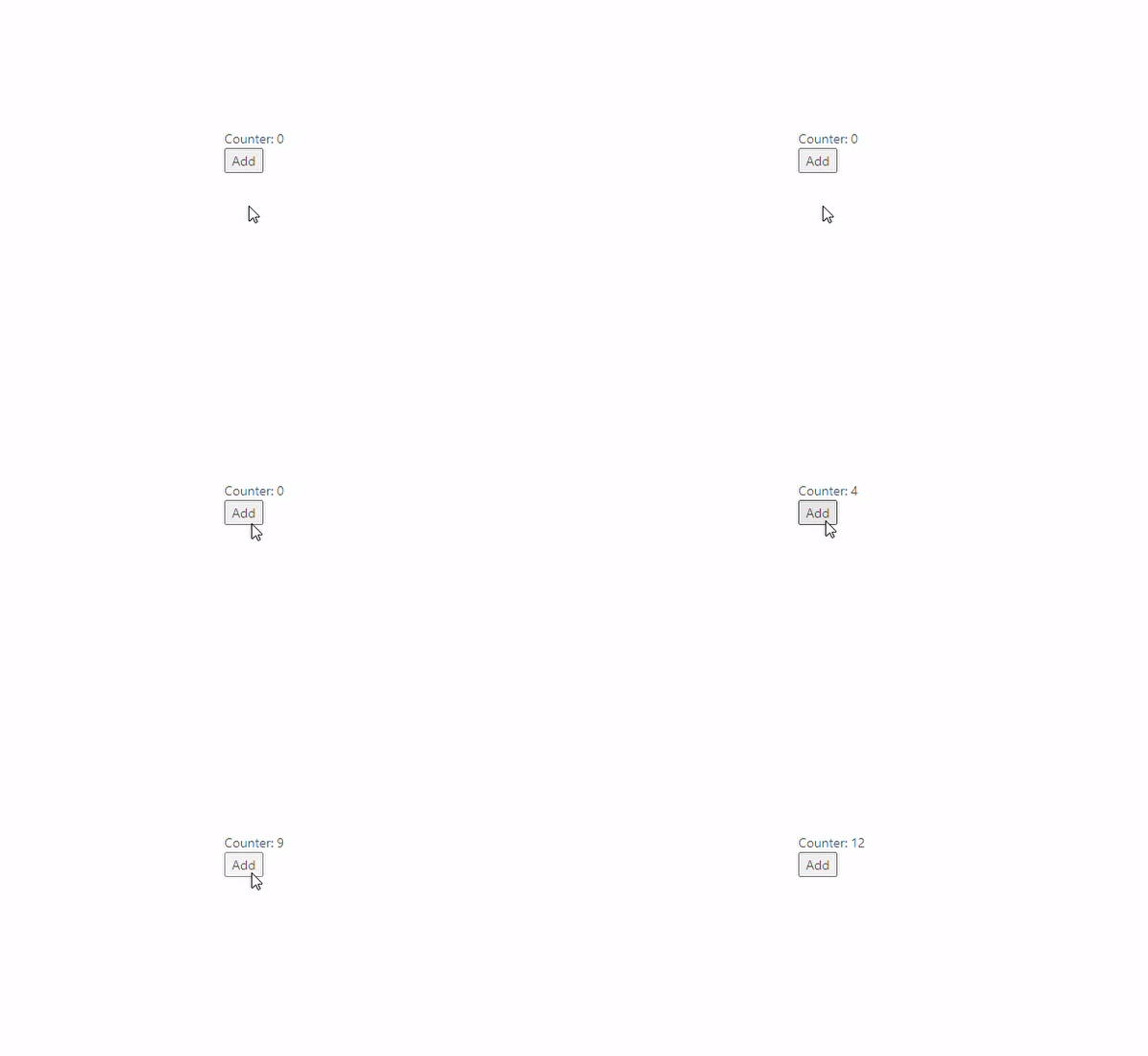
What the code above does, we get the current value of the counter state from the store, then on button click, we commit(dispatch) the increment action that changes the value of the state.
Our final result should be this:
### Conclusion
Working with Vuex in a Nuxt application is simple and easy to get started with. It provides module creation based on folder and file structure under the store folder. The context helper property `$store` is useful when accessing the store from a component. Other than that there are no Nuxt specific ways of working with Vuex compared to a plain Vue application. Nuxt lets you quickly get up and running so you can focus on implementation rather than configuration.
Thanks for reading!
Resources used:
- [Langvad](https://langvad.dev/blog/working-with-nuxt-and-vuex/)
- [Nakita Kejser](https://www.youtube.com/watch?v=R_ShKJ7PJ3U)
👉🏾 [Learn more about me](https://abdulqudus.com) 👉🏾 [Connect on LinkedIn](https://www.linkedin.com/in/jideabdqudus/) 👉🏾 [Subscribe to my blog, let's feast](https://blog.abdulqudus.com)
`QOTD: It always seems impossible until it's done `